
The phones we provide
Yealink desk phones, cordless handsets, and conference phones. Jump to a phone model:
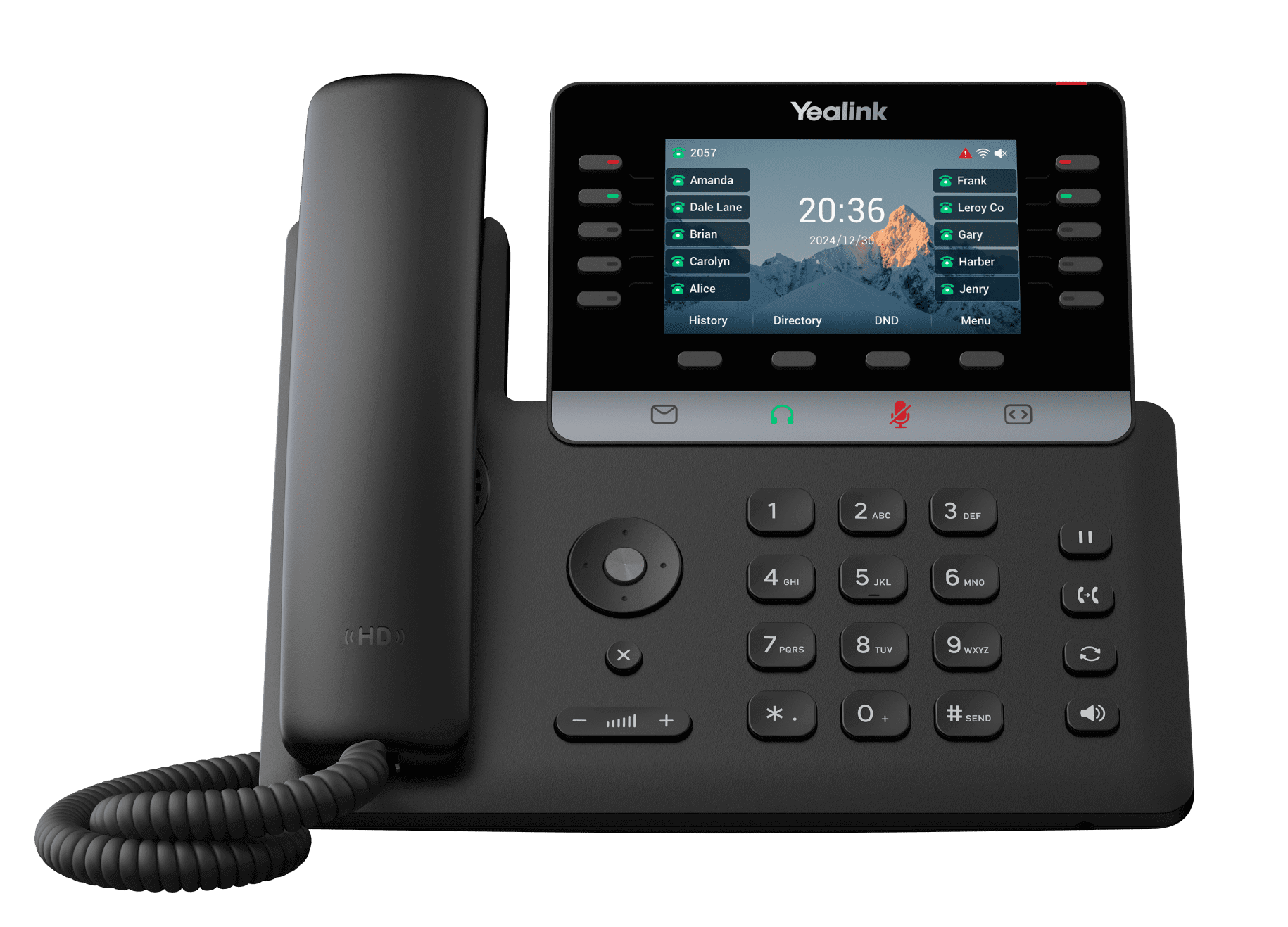
Yealink SIP-T74W Most recommended
Our standard desk phone
The phone we put on most desks. Big color screen, wireless built in, and one cable to plug in.
- Large color screen you can tilt to your angle
- Connects over Wi-Fi or a single network cable
- Pairs with Bluetooth headsets
- Add a side screen if you answer a lot of calls
Yealink W76P
Cordless phone
A cordless handset for people who don't sit at a desk. Walk the warehouse, the shop floor, or the back office and keep talking.
- Up to 30 hours of talk time per charge
- Walk between areas without dropping the call
- Add more handsets to the same base as you grow

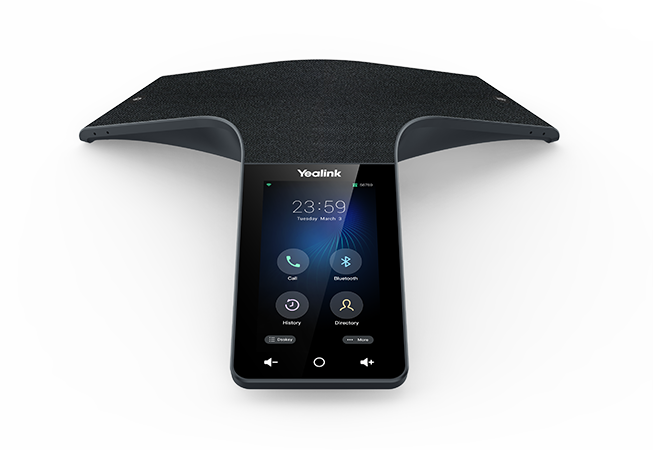
Yealink CP965
Conference room phone
A speakerphone for the conference table. Everyone in the room gets heard, and it filters out background noise so the other side isn't straining.
- Picks up voices from all around the table
- Touchscreen: join a call with one tap
- Add extra microphones for bigger rooms
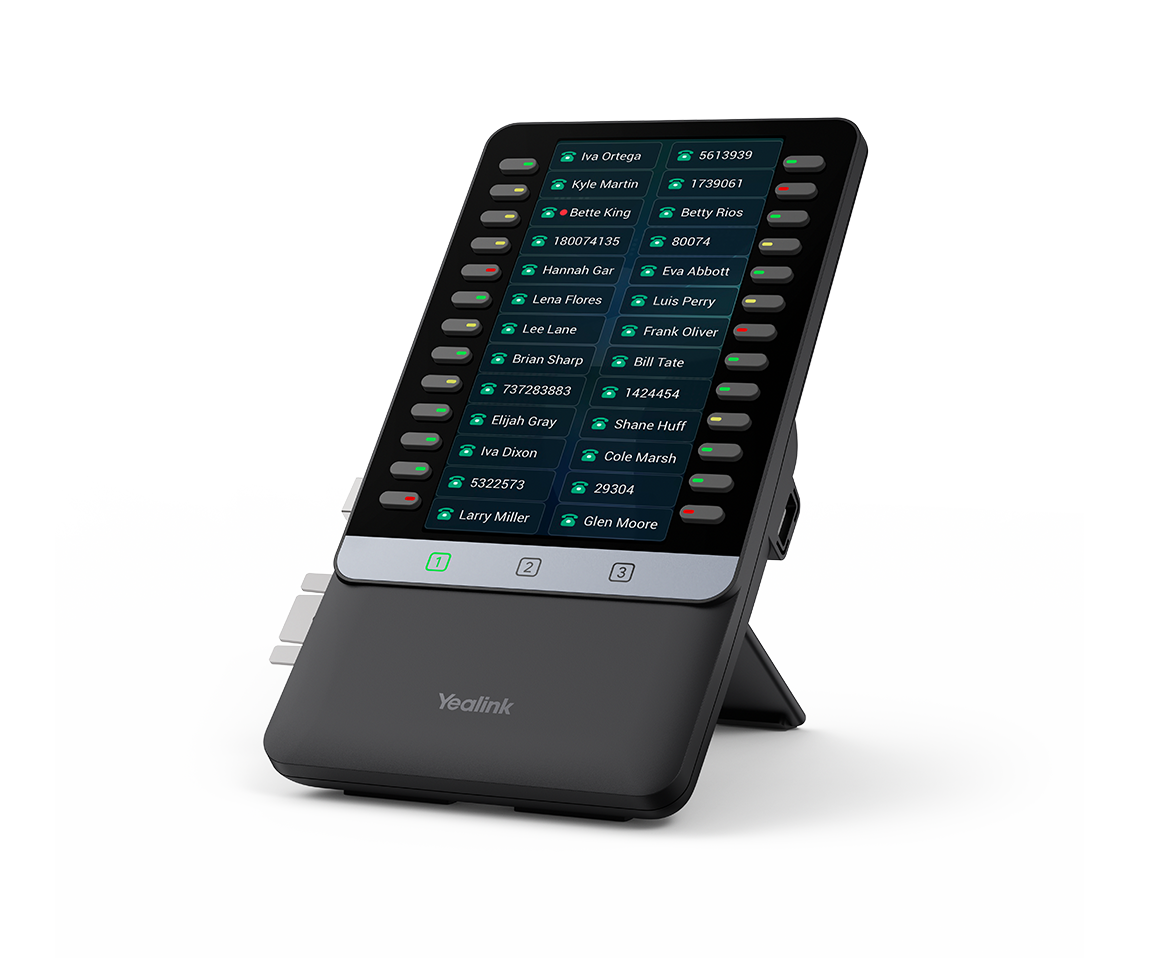
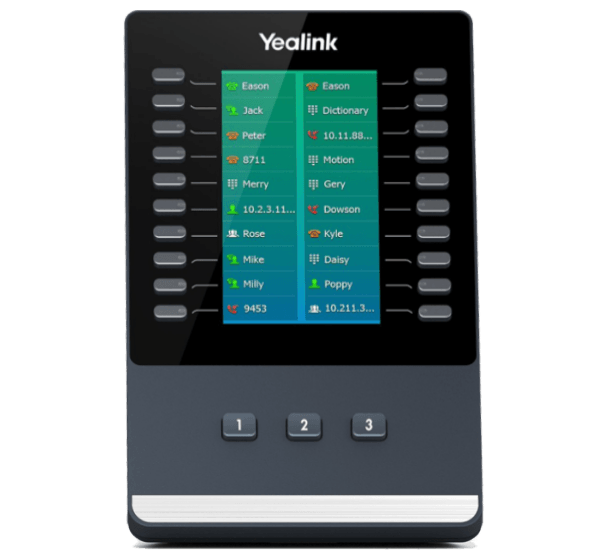
Yealink EXP55 Add-on
Extra buttons for your desk phone
A second screen that sits beside your desk phone with extra buttons. Built for whoever answers and transfers the most calls.
- See who is already on a call before you transfer
- One-touch buttons for the people you call most
- Attaches to the T74W
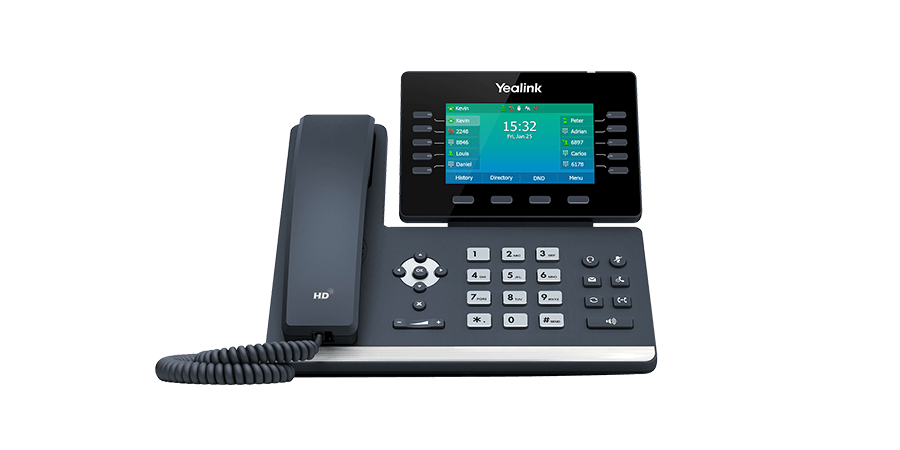
Yealink SIP-T54W Being discontinued
Our previous desk phone
This model is being phased out by the manufacturer. It still works and we still support it, but new orders get the T74W instead.
The older version of our standard desk phone. Still a solid phone, with a smaller screen than the T74W.
- Color screen, Wi-Fi and Bluetooth built in
- Connects with a single network cable
Yealink EXP50 Being discontinued
Extra buttons for the T54W
This add-on is being phased out alongside the T54W. For new orders we recommend the EXP55 paired with a T74W.
Same idea as the EXP55, built for the older T54W desk phone.
- See who is already on a call before you transfer
- One-touch buttons for the people you call most
Phone questions
Cabling, Bluetooth, breakage, and who owns what.
Yealink is the brand of desk phones we provide. They make modern, reliable business phones that work with your Link Surge phone system.
No. Our phones only need power and a Wi-Fi connection. When possible we recommend an Ethernet connection with PoE for the most reliable connection, and it can power the phone with just one cable.
It depends on how it breaks. We may replace the first phone at no cost. If the phone is damaged beyond normal wear and tear, a replacement fee may apply.
Yes. Many of our phones support Bluetooth, so you can connect AirPods and other compatible Bluetooth headsets.
Usually. Most standard VoIP phones can work with our service. Contact support to check compatibility. Non-standard phones may require an additional setup fee.
Phones are typically provided as part of your monthly service, so you don't have to buy them. You can also choose to purchase your phones outright.
Yes. In most cases you can take your phone home, connect it to the internet, and use it just like you would at the office.
Easy. Just contact us and we can add another phone or extension to your system.